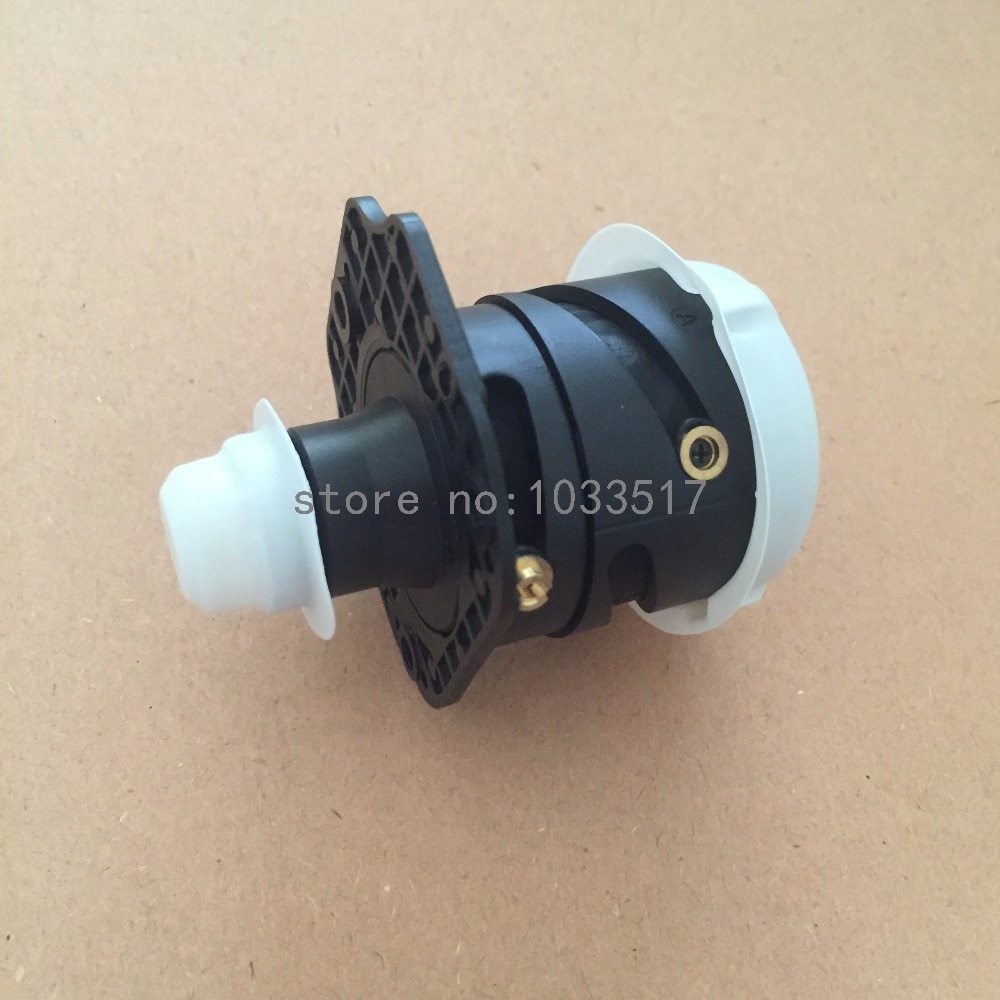
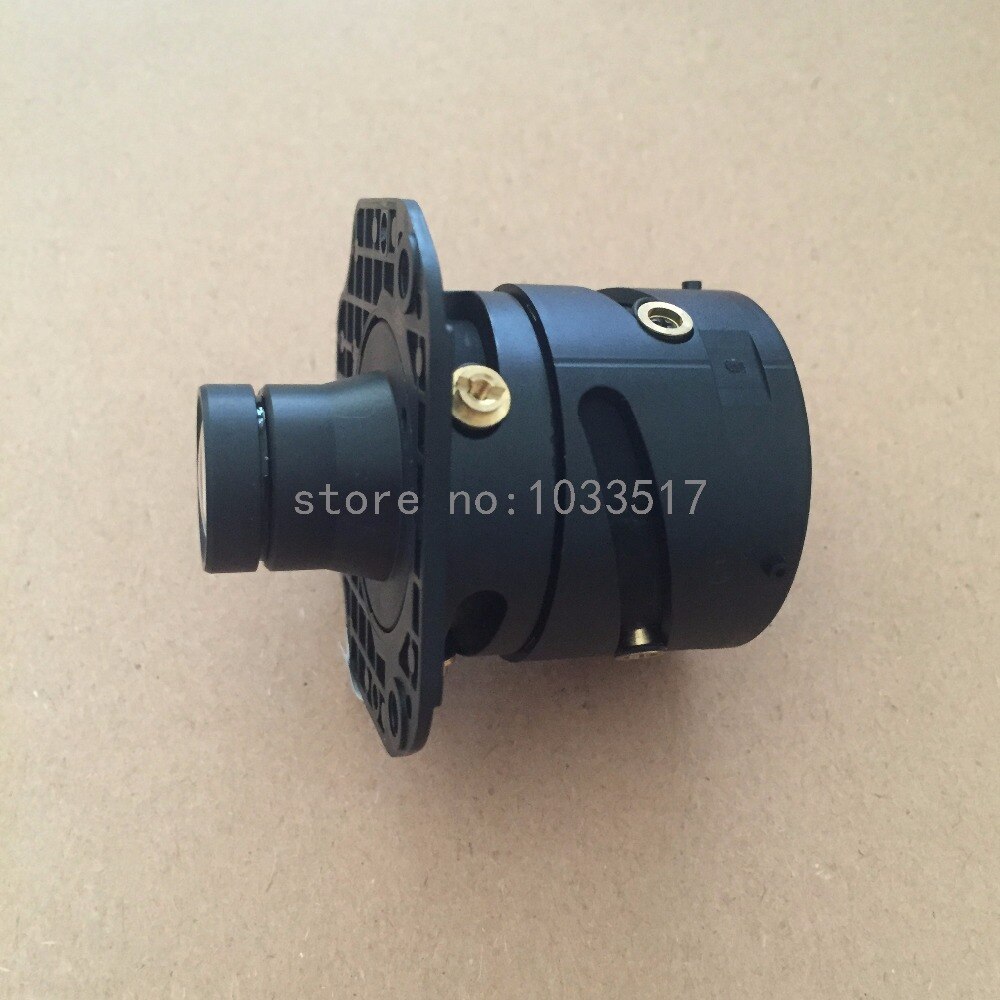
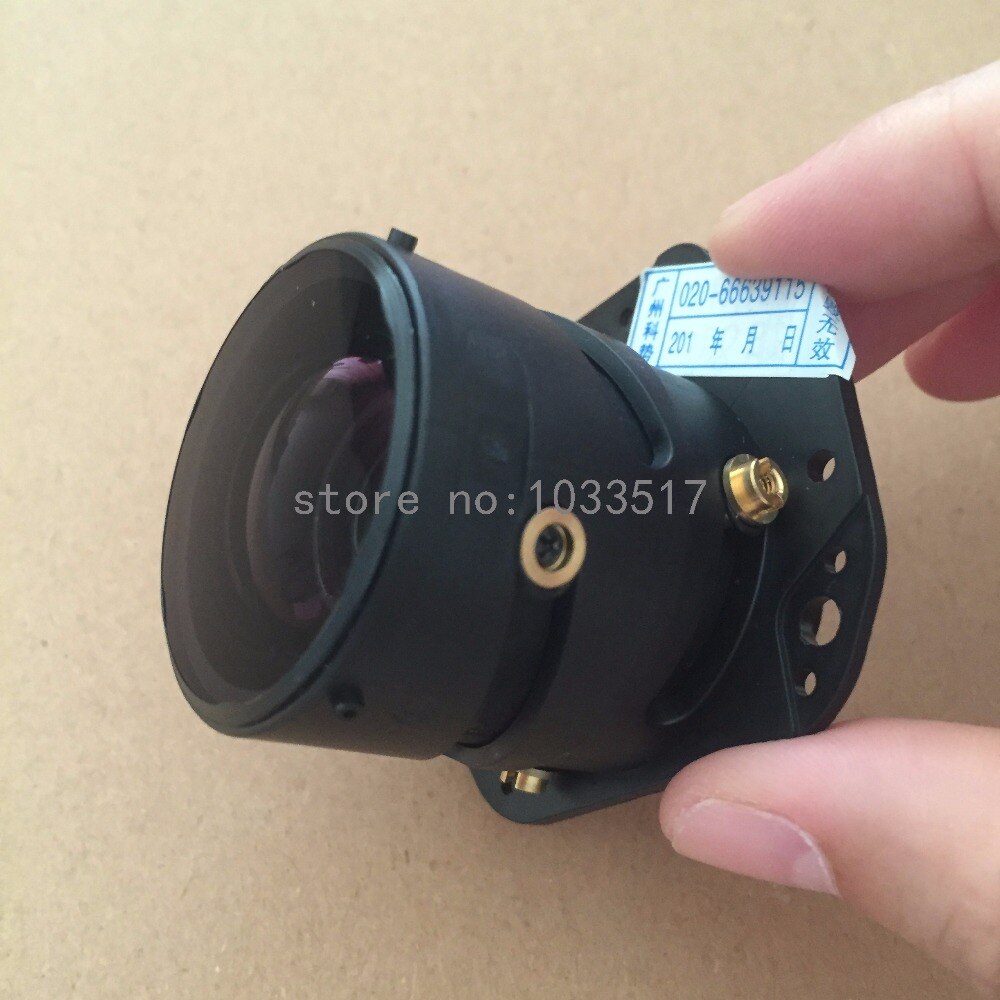
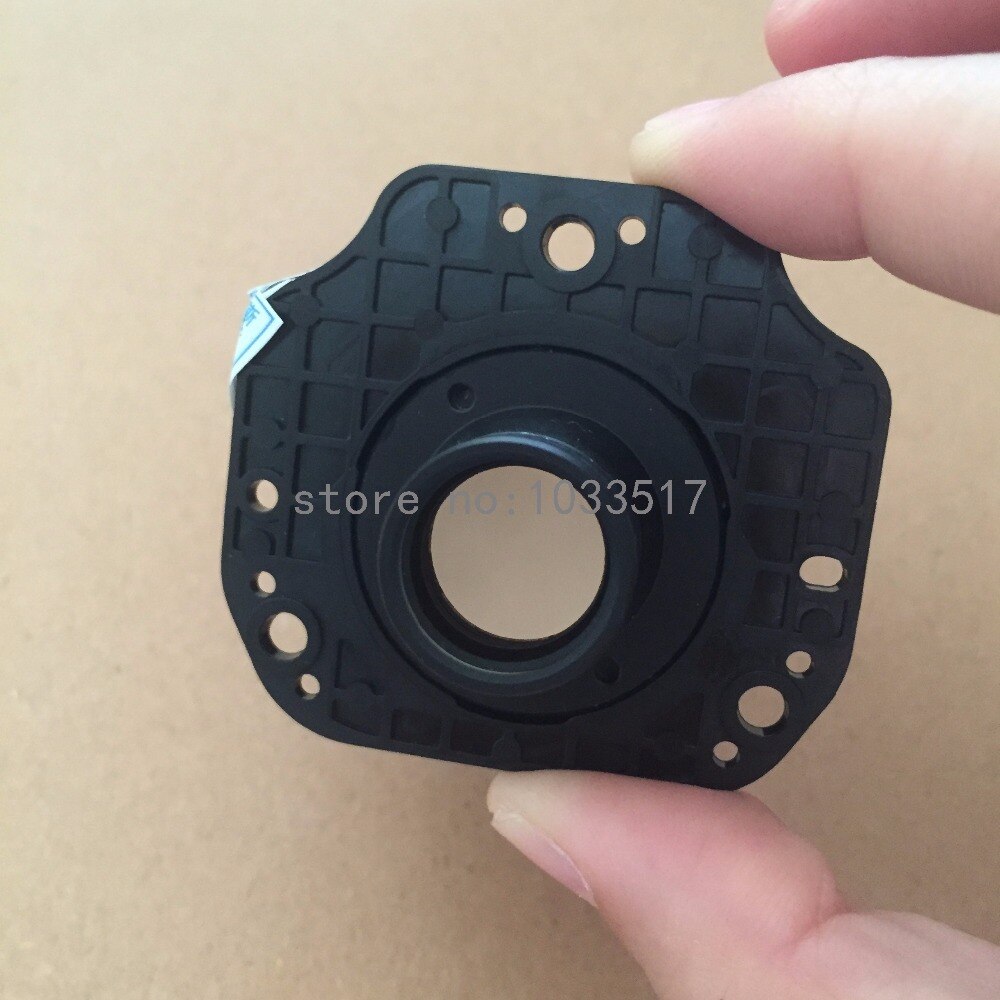
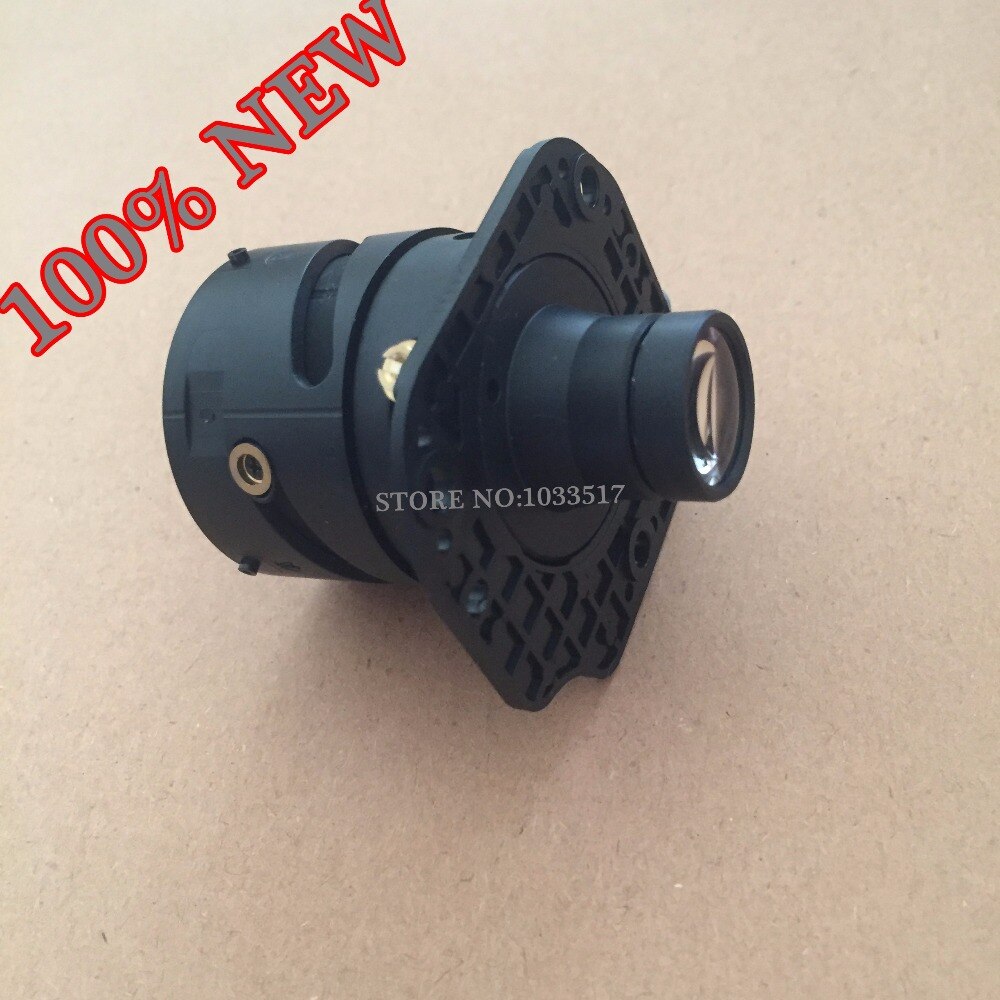
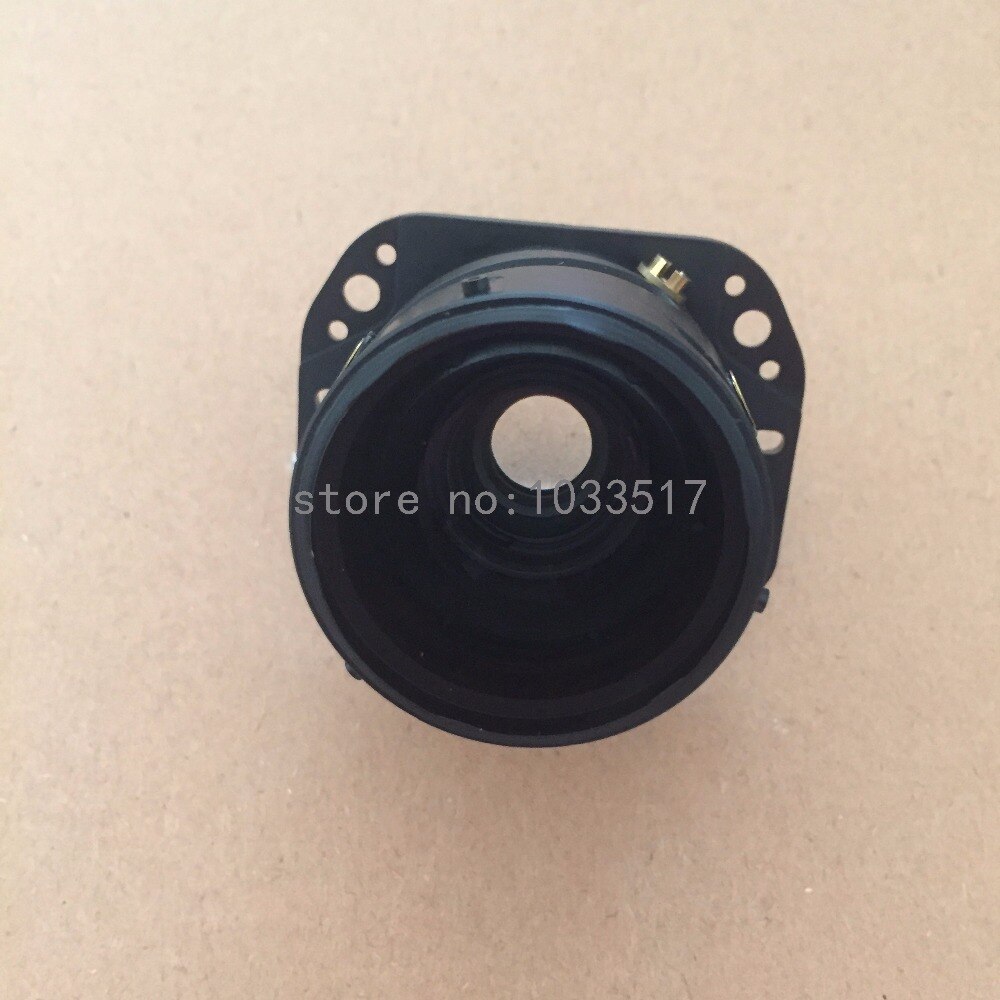
Projector Lens for BENQ TX710, MP575, MP522, MP512, MP513, MP515, MP525, ES6299, ES6478E, ES7181, SP6407, SP9506, SP7357, SP9507, MS614, MS524
High-Quality Projector Lens for BENQ Models
Ensure your BENQ projector continues to deliver crisp and vibrant images with this replacement projector lens. Designed to be compatible with a wide range of BENQ models, this lens is an essential component for maintaining optimal performance and picture quality.
Is this lens compatible with my BENQ projector?
This projector lens is specifically designed for compatibility with numerous BENQ projector models. It is confirmed to work with models such as TX710, MP575, MP522, MP512, MP513, MP515, MP525, ES6299, ES6478E, ES7181, SP6407, SP9506, SP7357, SP9507, MS614, and MS524. Please verify your specific model number against the compatible list to ensure a perfect fit.
What are the benefits of replacing your projector lens?
A worn or damaged projector lens can significantly degrade image quality, leading to blurriness, dimness, or discoloration. Replacing the lens with this high-quality component can restore your projector's original brightness and clarity, ensuring an immersive viewing experience for presentations or entertainment. This lens is a direct replacement part, designed for straightforward installation.
Key Specifications
- **Compatibility:** BENQ TX710, MP575, MP522, MP512, MP513, MP515, MP525, ES6299, ES6478E, ES7181, SP6407, SP9506, SP7357, SP9507, MS614, MS524
- **Model Number:** MP525 (as a reference for design compatibility)
- **Function:** Replacement optical lens for projector
Installation and Maintenance
While designed for straightforward replacement, it is recommended to consult your projector's user manual or seek professional assistance for installation to avoid damage. Handle the lens with care, avoiding fingerprints on the optical surfaces. Regular cleaning of the projector's exterior vents can help maintain optimal operating temperatures, prolonging the life of all components, including the lens.
Specifications:
- Model Number: MP525
Frequently Asked Questions:
Which BENQ projector models are compatible with this lens?
This projector lens is compatible with a wide range of BENQ models including TX710, MP575, MP522, MP512, MP513, MP515, MP525, ES6299, ES6478E, ES7181, SP6407, SP9506, SP7357, SP9507, MS614, and MS524.
What is the model number reference for this projector lens?
The model number reference for this projector lens is MP525. This indicates its design compatibility with projectors using this model number.
Why should I replace my projector lens?
Replacing a projector lens can restore lost brightness, clarity, and color accuracy caused by wear or damage, ensuring an optimal viewing experience for presentations and entertainment.
How do I install this replacement projector lens?
Installation typically requires consulting your projector's manual or seeking professional help. Handle the lens carefully to avoid touching the optical surfaces.
- Free shipping*
- 100 days returns
- Low prices
- 5 million products